-
Memory Games

-
Matching Games
-
For kids
- Tom and Jerry
Matching game for kids - Tom and Jerry - online and free


Play the matching game


 100%
100%



Images are currently loading, please wait a few seconds
Matching game - Tom and Jerry
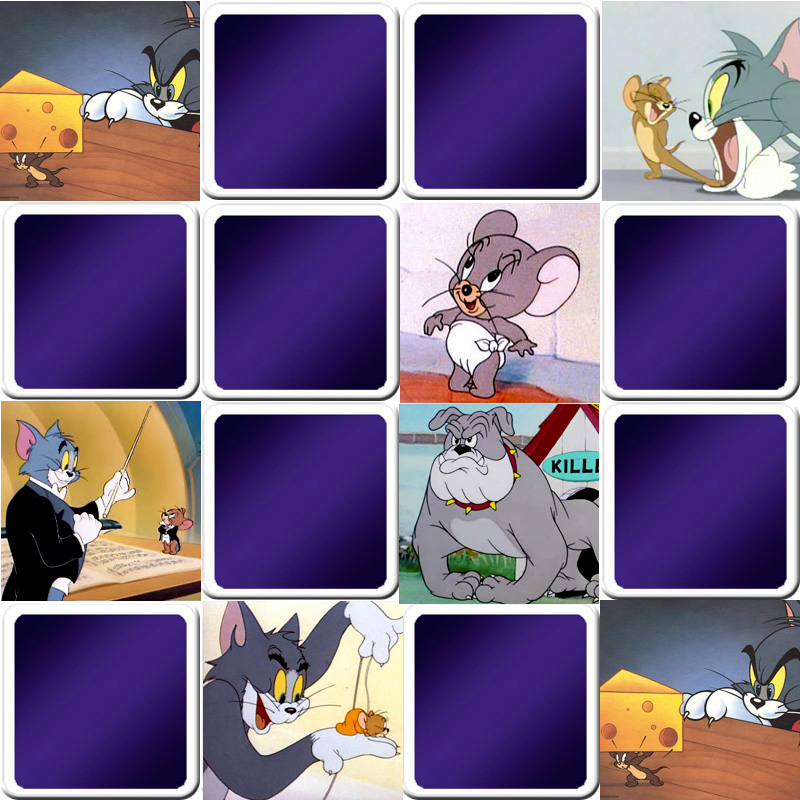 matching game - Tom and Jerry
A great matching game online and free for kids with The famous Tom and Jerry, every time you do a new game, you discover new images! Tom, the blue cat, and Jerry, the little brown mouse, were created in 1940 by William Hanna and Joseph Barbera, in this cartoon, the cat tirelessly pursues the mouse without ever succeeding in catching it.
How to play the matching game online?
Click "PLAY" to start. Flip cards 2 at a time to find matching pairs — when you find a pair, you get to play again! Otherwise, the cards flip back face down. The goal: find all the pairs in as few moves and as little time as possible. Every game is randomly generated, so you can play over and over!
Adjust the difficulty by changing the number of cards and the display speed using the buttons below the game. 3 game modes are available:
- SOLO: play alone at your own pace.
- WITH A FRIEND: share a fun moment with a friend, brother or sister sitting next to you.
- VS COMPUTER: take on the computer — set the level to "EASY" if it's too challenging!
For more details, check out the matching game rules. And to discover even more games, explore our full collection of matching games for kids on Memozor!